
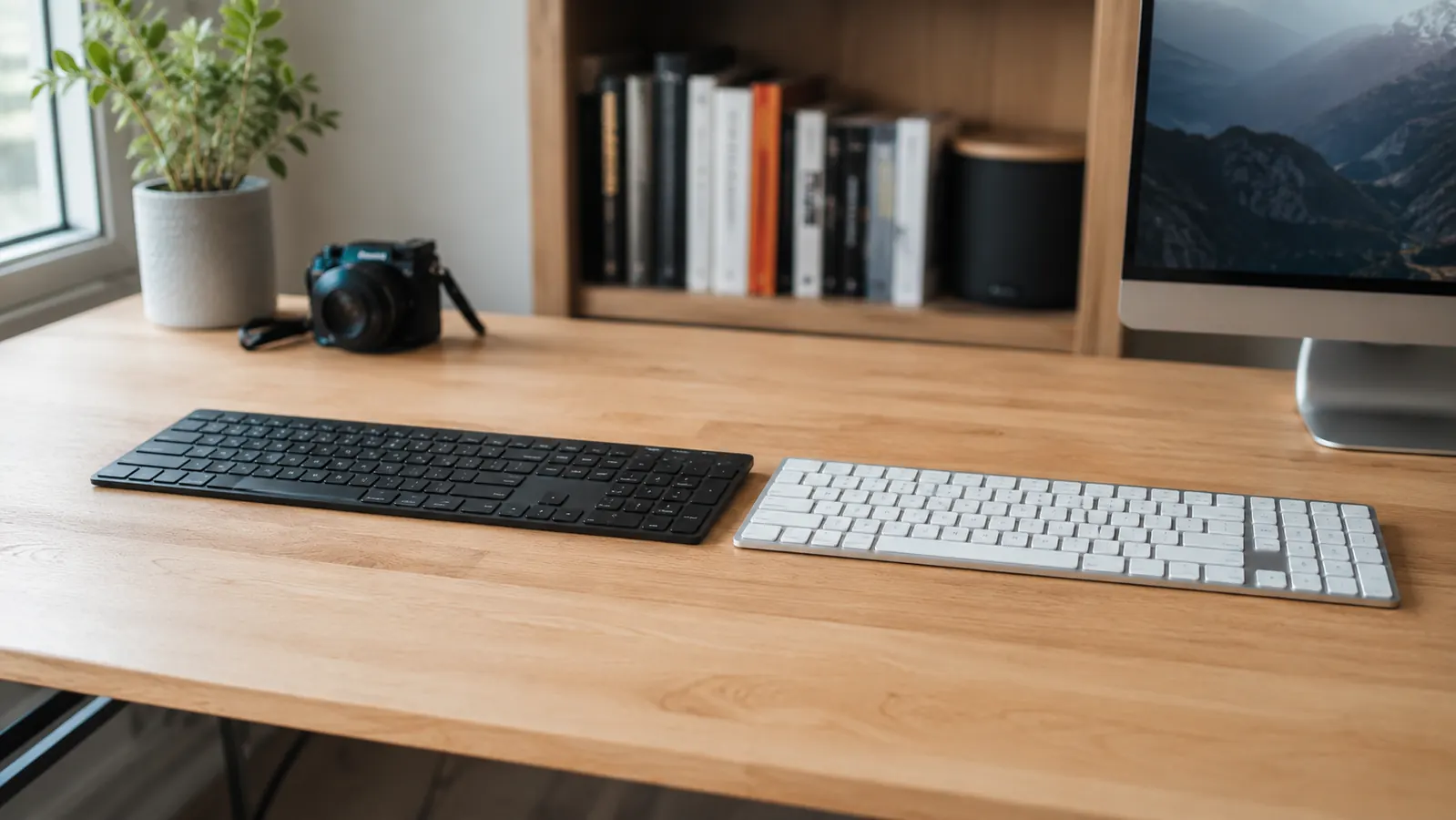
I get this question a lot from remote workers who are finally ready to spend real money on a keyboard: Logitech MX Keys Mini or MX Mechanical? Both sit in the same price range, both carry the MX badge, and both are marketed at the same person. So it is worth figuring out upfront which one actually earns desk space in a home office before you order.
The short answer: if you work in a shared space, take calls throughout the day, or move your keyboard between devices and bags, the MX Keys Mini is the right call. If you work alone, type fast all day, and want tactile feedback that matches how hard your job feels, look at the MX Mechanical instead. Everything below explains why.
| Logitech MX Keys Mini | MX Mechanical | |
|---|---|---|
| Switch type | Scissor switches (low-profile) | Mechanical switches (tactile, linear, or clicky) |
| Key travel | 1.8 mm | 4.0 mm |
| Noise level | Very quiet (nearly silent) | Moderate to loud depending on switch choice |
| Battery life | Up to 5 months with backlight off, 10 days with backlight on | Up to 15 days with backlight on, around 5 months with backlight off |
| Weight | 506 g (1.12 lbs) | 612 g (1.35 lbs) |
| Numpad | No (tenkeyless) | No (also tenkeyless) |
| Street price (approx.) | Mid-range pricing | Mid-range, varies by switch type |
| Multi-device pairing | 3 devices via Bluetooth or USB receiver | 3 devices via Bluetooth or USB receiver |
| Best for | Quiet offices, open-plan spaces, travel-friendly setups | Solo home offices, coders, heavy typists who want feel |
Where the MX Keys Mini Wins
The MX Keys Mini wins on noise and portability, and in a home office those two things matter more than most keyboard spec sheets let on. If you are on back-to-back video calls, a mechanical keyboard clicking away during a meeting is going to annoy everyone on the other end. The scissor switches on the Keys Mini produce almost no audible sound. I have typed full paragraphs during a Zoom call and had nobody mention it.
The compact footprint is the other real advantage. At 506 grams and about 11 inches wide, the Keys Mini frees up meaningful desk space on the left side for a notebook, a coffee mug, or just breathing room. That might sound like a small thing until you work in a tight space every day. The MX Mechanical Mini is roughly the same size, but the taller key profile and greater weight make it feel like it occupies more real estate even when the footprint is close.
Battery life on the Keys Mini is also genuinely impressive when you keep the backlight off. Logitech rates it at five months without backlighting, and in my experience that holds up close to reality. The backlight automatically dims when your hands leave the keyboard and brightens when they return, which extends runtime significantly if you let the sensor do its job. For a keyboard at this price point, not having to think about charging for months is a meaningful quality-of-life win.
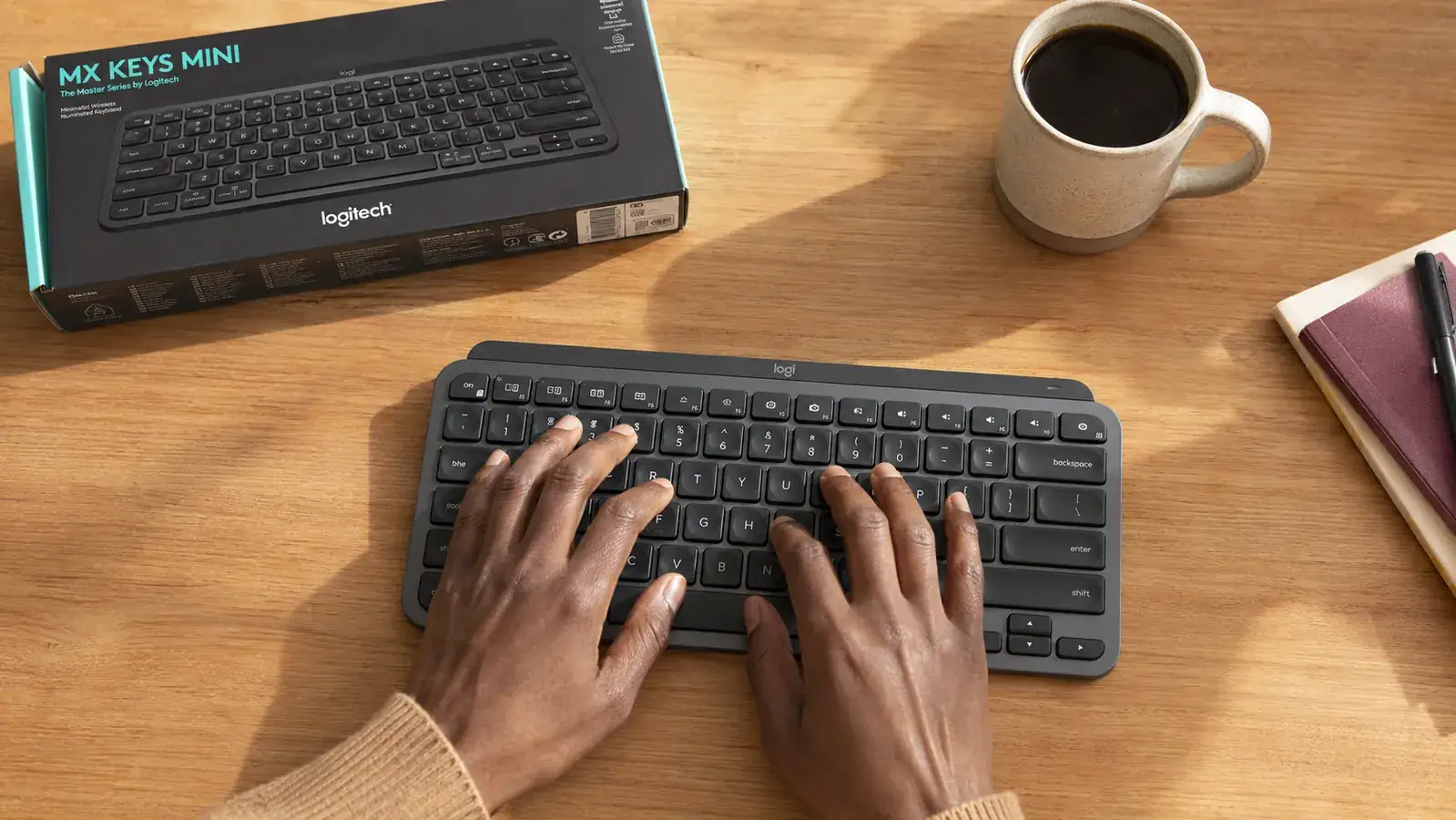
Where the MX Mechanical Wins
The MX Mechanical wins on typing feel and feedback, which is the entire point of a mechanical keyboard. The 4 mm key travel versus the Keys Mini's 1.8 mm feels completely different under your fingers. If you write a lot of long-form content, write code, or just find that a flatter keyboard leads to more typos at the end of the day, the Mechanical's deeper key travel gives your fingers something to push against. That physical feedback reduces the chance of accidentally triggering keys and makes long sessions feel less fatiguing for some typists.
The MX Mechanical also comes in three switch varieties: red (linear, smooth, quiet for mechanical standards), brown (tactile bump, moderate noise), and blue (tactile and audible click, the loudest option). That choice is worth something. The red switches in particular are a reasonable middle ground for someone who wants mechanical feel without the full clatter of a traditional mechanical board.
The MX Keys Mini is the right keyboard for the majority of remote workers. The MX Mechanical is the right keyboard for remote workers who know exactly what they are missing.
If you share your home office with a partner, a roommate, or a toddler who naps nearby, the MX Keys Mini is the one to buy.
It runs nearly silent, connects to up to three devices, and holds a charge for months. That covers the most common remote-work complaints about keyboards in one compact package.
Amazon Check Today's Price on Amazon →
Typing Feel: Honest Take on Both
Marketing materials for both keyboards use the word premium a lot. That word means different things to different typists. For someone coming from a cheap membrane keyboard, both will feel significantly better. For someone coming from a real mechanical board, the Keys Mini will feel like a nice laptop keyboard, because functionally that is what it is. Scissor switches with 1.8 mm of travel are closer to a MacBook keyboard than to a mechanical keyboard.
That is not a knock. Scissor switches at this quality level are fast, consistent, and comfortable for long writing sessions. The Keys Mini spherically-shaped keycaps fit fingertips well, and the low actuation force means less fatigue over a full workday. But if you have typed on a mechanical board and you miss that deeper press, the Keys Mini will not fix that itch. The MX Mechanical will.
One thing both keyboards share: the typing angle is fixed. Neither offers height adjustment. If you are strict about ergonomics and want a negative-tilt setup or need to raise the rear of the keyboard, you will need a separate keyboard riser with either model. For most desk setups this is not a problem, but it is worth noting if wrist position is a concern for you. For more on reducing wrist strain during all-day typing, see our guide on how to reduce wrist strain typing all day.
Multi-Device Pairing and Daily Workflow
Both keyboards support Easy-Switch, Logitech's three-device pairing system. You can pair each keyboard to a laptop, a desktop, and a tablet, then switch between them with a keypress. In practice this works reliably. The switch is nearly instant over Bluetooth, and if you hate Bluetooth on principle, both keyboards also support Logitech's USB receiver for a wireless-but-not-Bluetooth connection.
The Keys Mini works with Logi Options+, Logitech's software for remapping keys, customizing the backlight, and adjusting smart features. The MX Mechanical also works with Options+. Both have the same software ecosystem, so there is no winner here. If you already use other Logitech peripherals and have Options+ installed, either keyboard slots right in without any setup friction.
Who Should Buy the MX Keys Mini
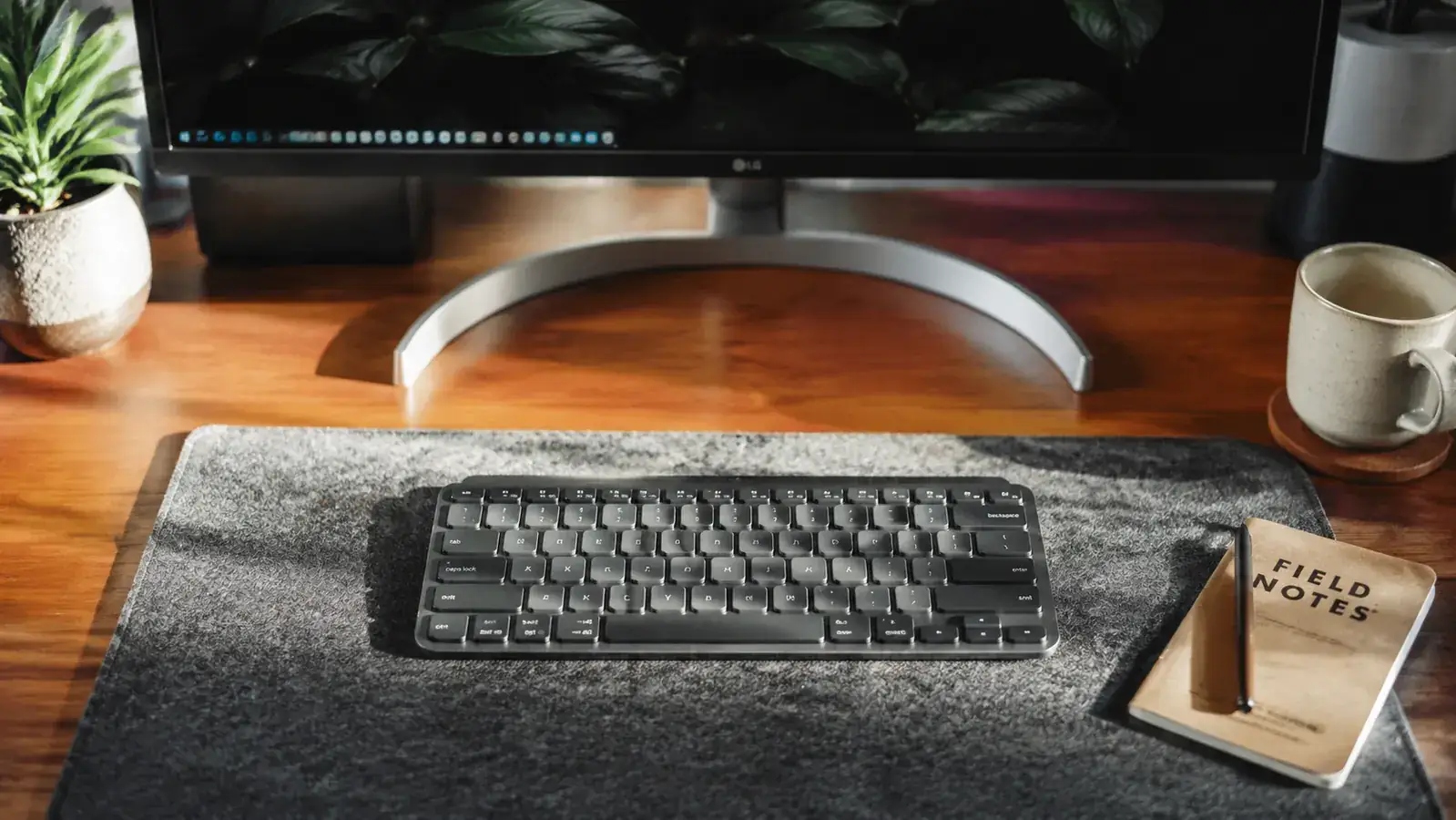
The MX Keys Mini is the right keyboard for most people reading this. It is quieter than any mechanical board, compact enough to free up real desk space, light enough to toss in a bag for a coffee shop day, and the battery life is genuinely excellent. If you share your workspace, take calls during the day, or switch between a laptop and a desktop, it handles all of that without friction. At its price point, very little in the compact wireless keyboard category beats it. For a deeper look at the long-term experience, see our full Logitech MX Keys Mini review.
Who Should Buy the MX Mechanical
The MX Mechanical is the right keyboard for solo home-office workers who already know they prefer mechanical switches. If you have used a mechanical board before and you gave it up for a wireless option that turned out to feel flat, this is the path back. The red switch version keeps noise manageable while still delivering real mechanical travel. The brown is better if you want a tactile bump without being offensive to everyone in earshot. Skip the blue switch entirely unless you work completely alone and actively enjoy the noise.
The one case where the MX Mechanical is a clear win over the Keys Mini is high-volume writing. If you are producing 3,000 to 5,000 words a day, the deeper key travel and mechanical feedback reduce the strain that comes from constant low-travel typing. The initial learning curve for your fingers adjusting to the new depth takes a few days, but most heavy typists stick with mechanical once they go back to it.
For the majority of home office setups, the MX Keys Mini is the better fit at the same price.
Quiet operation, compact footprint, months of battery life, and solid multi-device support in one package. It earns the desk space.
Amazon Check Today's Price on Amazon →